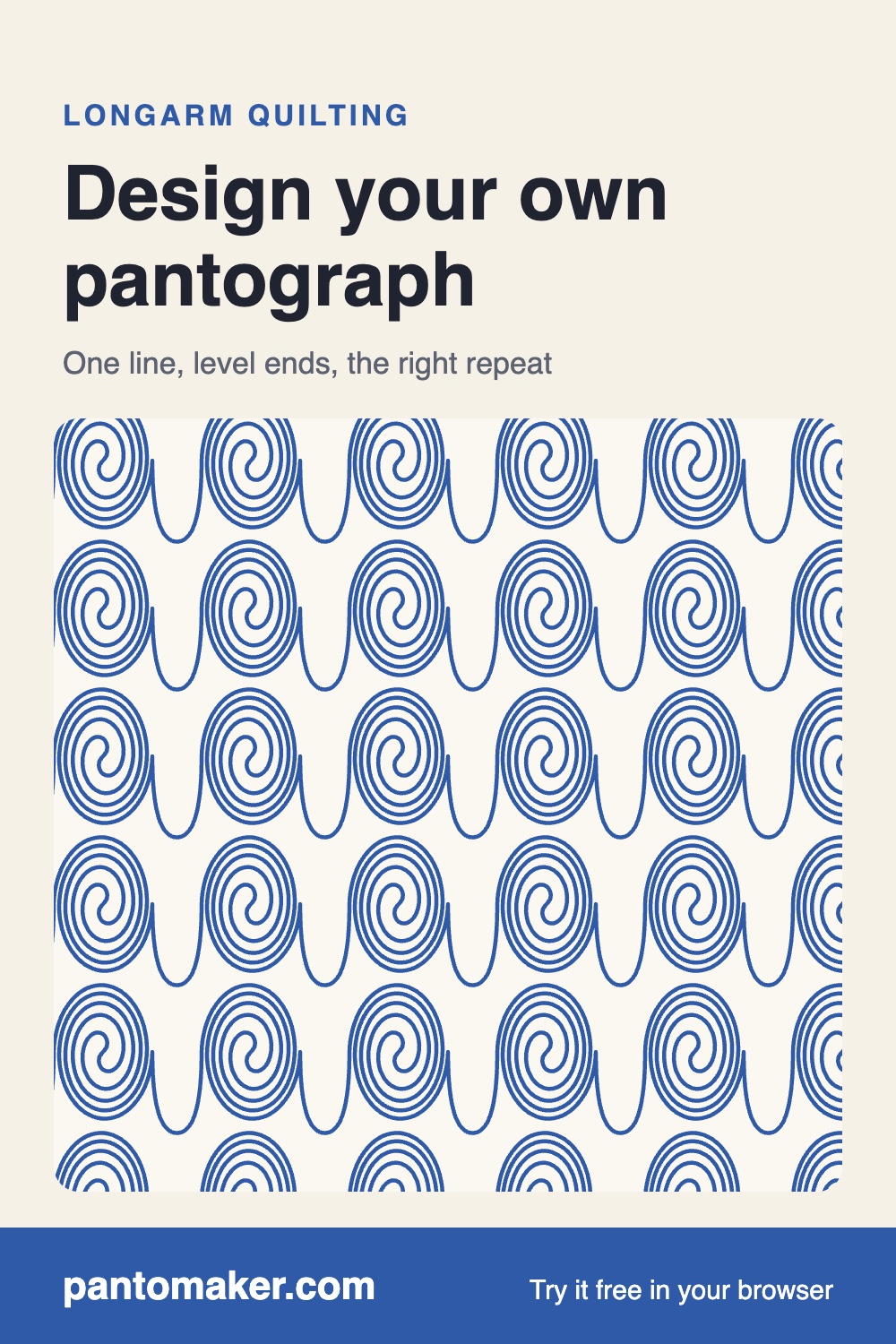
How to design your own pantograph
A pantograph is one continuous line that repeats across the quilt, row after row. Get a few rules right and any doodle becomes an edge-to-edge design your longarm can stitch.
1. Draw one continuous line
The needle can't lift in the middle of a row, so the design must be a single line from left to right. Loops, swirls and leaves are fine, as long as you can trace them without lifting your pencil. If you need to get back to where you were, travel along a line you already stitched or add a small loop instead of jumping.
2. Start and end at the same height
Each repeat begins where the previous one ended. Put the start on the left edge and the end on the right edge at exactly the same height, and the copies join with no step. In PantoMaker you draw from the green dot to the red dot, and faded copies on both sides show the join as you draw. If your end drifts a little, PantoMaker levels it for you.
3. Pick a repeat width and row height
Most edge-to-edge designs repeat every 8 to 14 inches and stand 5 to 12 inches tall. Smaller repeats give denser quilting and a stiffer quilt; bigger ones stitch faster and stay softer. Check the batting's maximum stitching distance: open areas in your design shouldn't be larger than that.
4. Decide how the rows fit together
- Touching rows: set the row spacing equal to the row height.
- Nested rows: set the spacing smaller, so the bumps of one row sit in the dips of the next. Most loop and feather designs nest.
- Shifted rows: move every other row half a repeat for a brick-like layout.
- Flipped rows: mirror every other row for designs such as waves that interlock upside down.
The whole-quilt preview shows every row on your quilt size, so you can see gaps and crowding before you stitch.
5. Export for your machine
Computerized longarms need a pattern file: QLI, HQF, IQP, PAT, BQM or DXF, depending on the system (see the file format guide). Hand-guided quilters print a paper pantograph and follow the line from the back of the machine. PantoMaker makes both from the same design.
Starting from artwork you already have
If you drew the design in Inkscape, Illustrator or Procreate, export it as an SVG with the line as a path (not text) and open it in PantoMaker. Separate strokes are joined into one line with short straight connections, and PantoMaker tells you how many it added, so you can go back and connect them in your drawing app if you'd rather.